When you make purchases through links on this site, The Track Ahead may earn an affiliate commission. Also, these posts are based off my own experiences. I am not responsible for any action you take as a result of reading this. Learn More
How to Reset the Service Maintenance Reminder Light:
Toyota Technical Service Bulletin (TSB) EL002-03
1. Turn the ignition switch to the “ON” position.
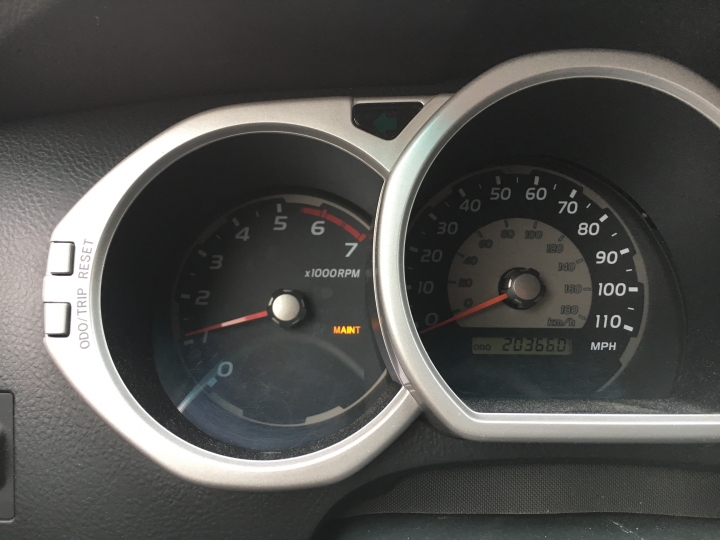
2. Set the Odometer / Trip Display to the “ODO” mode.
3. Turn the ignition switch to the “OFF” position.
4. Depress and hold the Trip Meter “RESET” button while turning the ignition switch to the “ON” position.
5. The Service Maintenance Reminder Light will:
a. Illuminate solidly for 3 seconds.
b. Blink for 2 seconds.
c. Illuminate solidly for 1 second.
d. Turn off.
6. Release the Trip Meter “RESET” button.
7. Turn the ignition to the “OFF” position.
8. Turn the ignition to the “ON” position, and confirm that the Service Maintenance Reminder Light goes out.
NOTE: If the light continues blinking in step 5a, turn the ignition off, and repeat the procedure from step 1.